AIGC Vision QC - Entertainment Standards

Automate
Predict
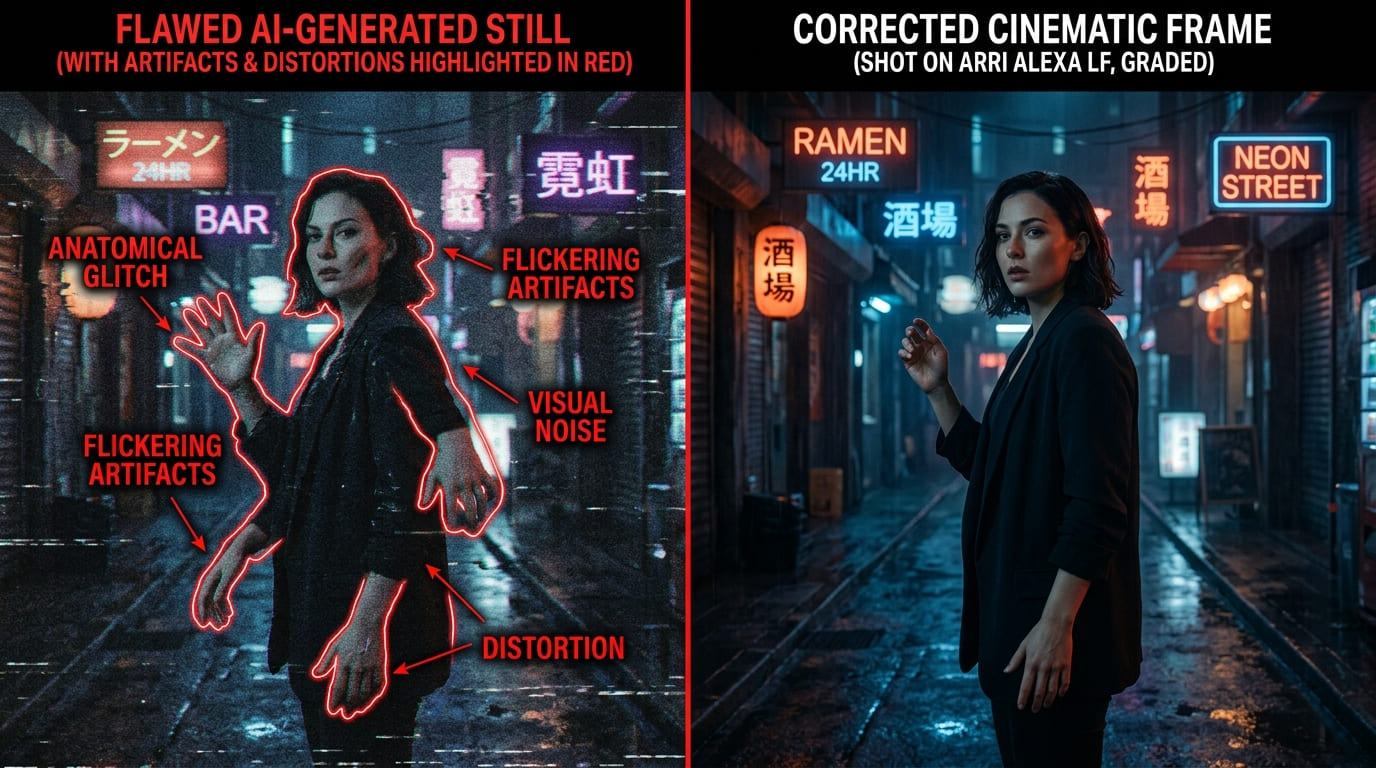
AI Vision QC tool highlighting temporal artifacts in a generated video sequence

An automatic quality check for AI-made images and video.

AIGC Vision QC is a desktop app for teams making AI short dramas, animation and ads. Point it at a project folder and it checks every storyboard image and video clip, then writes one report with a clear verdict: PASS, NEEDS REVIEW or FAIL.

It looks for the problems that waste the most time in AI production: a character whose face changes between shots, flicker or sudden jumps inside a clip, a clip that doesn't start from the approved storyboard frame, a shot whose look drifts from the rest of the project, and storyboard shots with no clip yet.

Each run also writes a signed record of every file — a fingerprint per file plus one for the whole project — along with any creation data the files carry. Teams can keep it as evidence of their creative process, for example to support an AIGC copyright application.

Screenshots
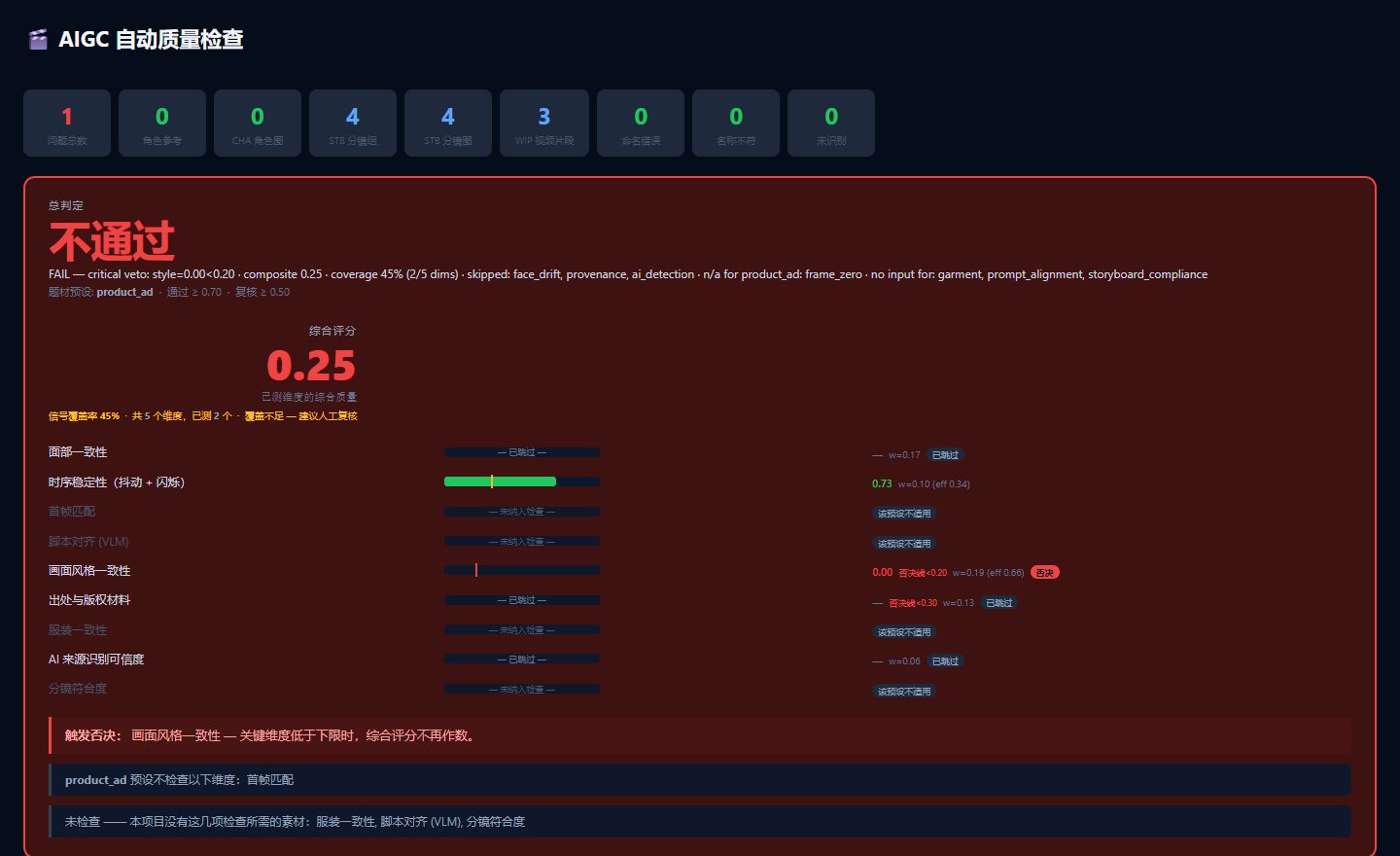
QC report verdict banner showing FAIL with per-check score bars

The verdict at the top of the report. Here a test project fails because its shots don't share one style.
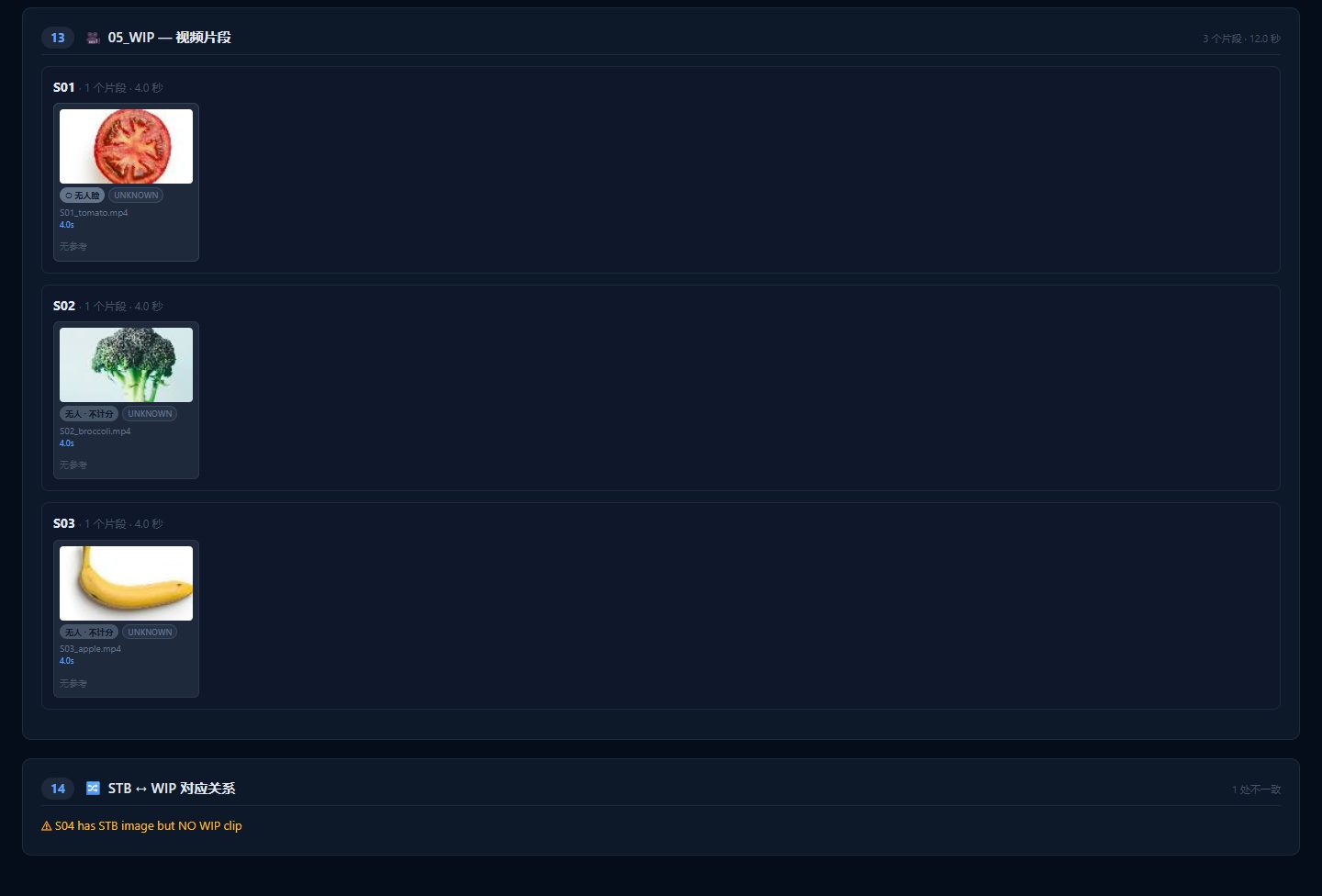
Report section listing video clips by shot, with a storyboard-to-clip mismatch warning

Clips listed by shot. At the bottom, the report flags a storyboard shot that has no video yet.

  • One clear verdict

    Each check gets a score, and the scores are combined into PASS, NEEDS REVIEW or FAIL. If a critical check falls below its floor, the project fails no matter how good the average is.

  • Same face in every shot

    Add reference photos of each character once. The app then checks whether each image and clip shows the right character, and whether the face changes partway through a clip.

  • Flicker and jump detection

    Finds frame-to-frame flicker and sudden jumps or unstable motion inside a clip.

  • Matches the storyboard

    Compares the first frame of each clip with its approved storyboard image, flags shots whose style drifts from the project, and lists storyboard shots that have no clip.

  • Presets for each kind of job

    Presets such as film or product ad decide which checks run and how much each counts. Every weight and floor can be adjusted in settings.

  • Bilingual report

    The app and the HTML report switch between Chinese and English with one click.

  • Only grades what you delivered

    An ad with no storyboard is not marked down for missing storyboard checks — those checks are skipped, and the report says exactly what was and wasn't checked. Turning checks off by hand does not make a project pass.

  • Large batches without starting over

    Stop a run at any time. The next run picks up where it left off, and one broken file doesn't stop the rest.

  • A record you can verify

    The signed record includes the method used to build it, so anyone can recompute the fingerprints and confirm the files were not changed. It reports only what each file says about itself, and never guesses.

  • Runs on your own machine

    Checks run locally and use the graphics card when there is one. If it runs out of graphics memory, the app switches to the processor and marks that check in the report, instead of crashing.

Ready to Get Started?

Contact us to discuss your specific needs and learn how we can help transform your business.