StoreScreen — Smart Supermarket Kiosks

Automate
StoreScreen supermarket kiosk

Supermarket screens the store manager runs.

One touch-screen kiosk that does three jobs: a product menu shoppers can browse, promotions that change with who is standing in front of it, and a play corner for kids.

Prices and promotions are changed from any computer, for one screen or every store at once.

Each screen keeps a copy of its pictures and content on its own disk. If the store's internet drops, the screen keeps showing everything as normal. When a manager saves a change, the screens pick it up on their own within about 30 seconds — no app update and no trip to the store.

Screenshots
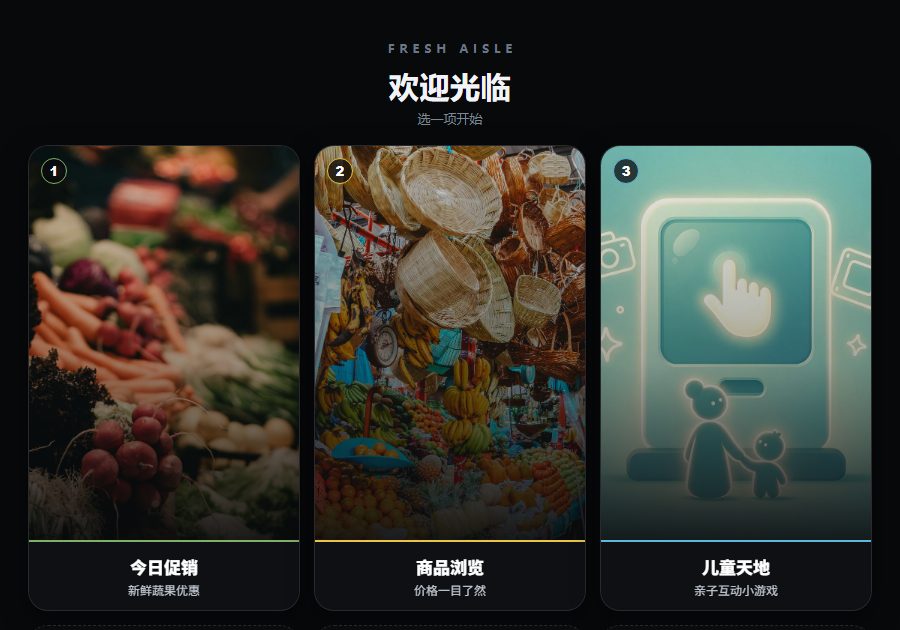
StoreScreen home menu with Today's Deals, Browse Products and Kids Corner tiles

The home menu: today's deals, product browsing and the kids corner.

Product browsing grid with product photos and prices, one item showing a sale price

Product browsing, running in offline mode from content saved on the screen.

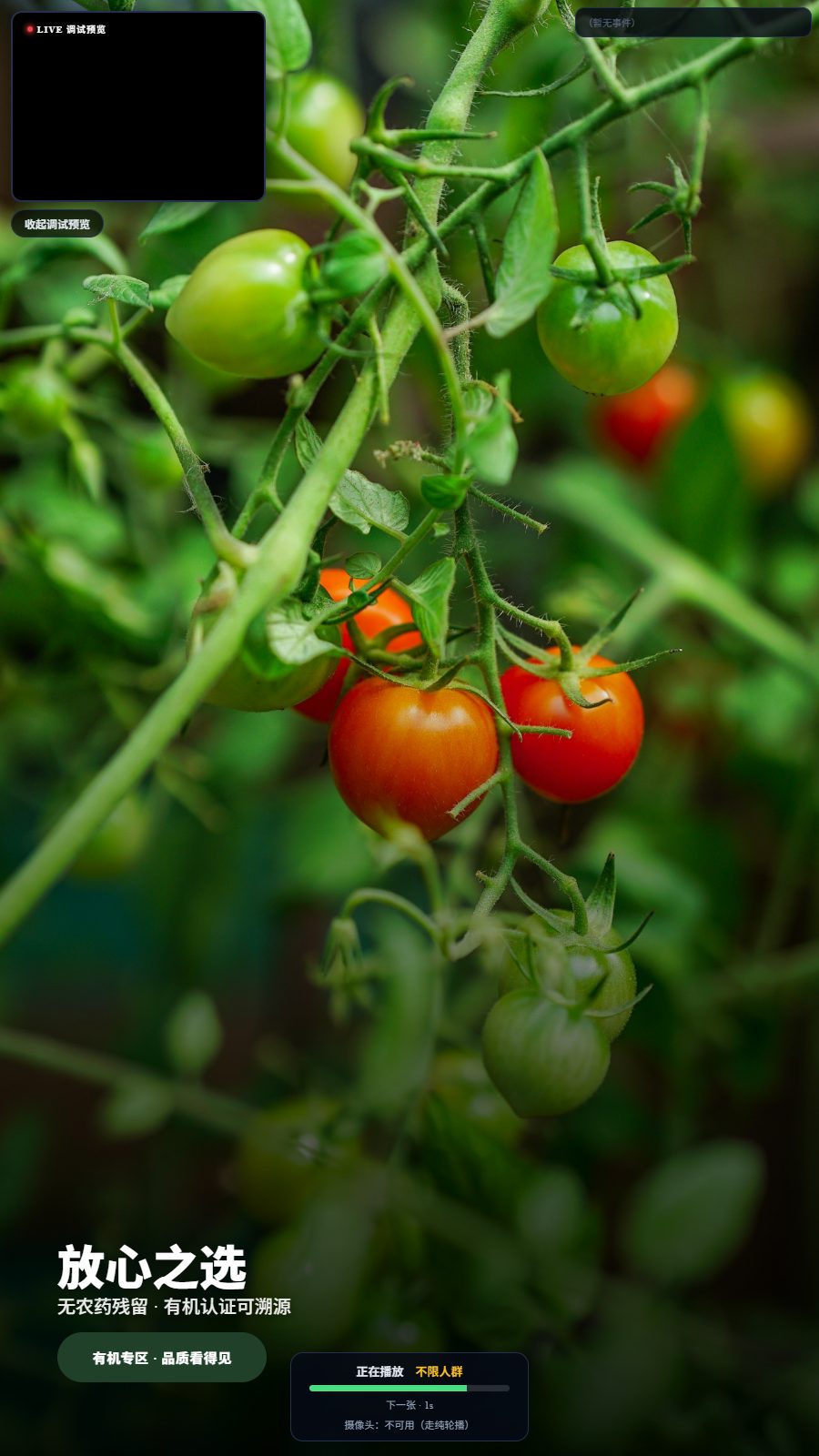
Full-screen promotion with headline text over a product photo and a status panel

A full-screen promotion. With no camera available, it falls back to a normal rotation.

  • Product menu

    Shoppers browse products and prices on the screen themselves.

  • Promotions that adapt

    The ad loop adjusts to the people in front of the screen. No face images are stored.

  • Kids corner

    Simple games keep children busy while parents shop.

  • Remote admin

    Update one screen or every store from a browser.

  • Time slots and screen roles

    Set rules such as "kids corner from 3 to 5 pm" for a group of screens. A screen can also be set to show ads only. Screens with no rule always fall back to the main menu, so nothing goes blank.

  • Simple viewing stats

    The admin shows how many times people stopped to look at the ad screen, and how often each kids' game was tapped, by day.

  • Works when the internet doesn't

    Content is shown from the screen's own disk. The network is only used to fetch updates in the background, never to decide what is on screen right now.

  • Privacy built into the camera features

    Camera processing happens on the device. No face images are stored, and the system does not recognise individuals. That is why the stats count views, not unique visitors — and the admin page says so plainly.

  • Still works without a camera

    If the camera is missing or blocked, the ad screen simply plays its normal rotation. It never freezes or goes blank waiting for the camera.

  • Made for store staff, not IT

    Change a price, swap a poster or pause an ad in a few clicks. Ads can be paused instead of deleted, so they are easy to bring back later.

Ready to Get Started?

Contact us to discuss your specific needs and learn how we can help transform your business.