Kiddoer — Kids Build Real Games with AI
Automate
Kiddoer kids AI game building

Kids build real games by talking to an AI.

For ages 8 to 15. Children start with a game that already works. They change it by talking to an AI pair programmer, an AI partner that writes code with them.

What they make is real code. It gets a link that anyone can open and play.

There are two tracks, or courses. Each has ten live small-group classes, taught in English or Chinese. The Explorer Track (ages 8 to 10) teaches logic through interactive AI games. Kids play a game, change it, then build their own. The Script Track (ages 11 to 15) builds a real app. Kids put their code on GitHub, a website for storing code. Then they put the app online at a real web address. Both tracks end with a Demo Day, where kids show what they made.

Finished projects go into the Kiddoer Arcade. Anyone can play them there in a browser. There is nothing to download and no account to make. Schools, after-school centres and tutors can also run the programme under their own brand.

Screenshots
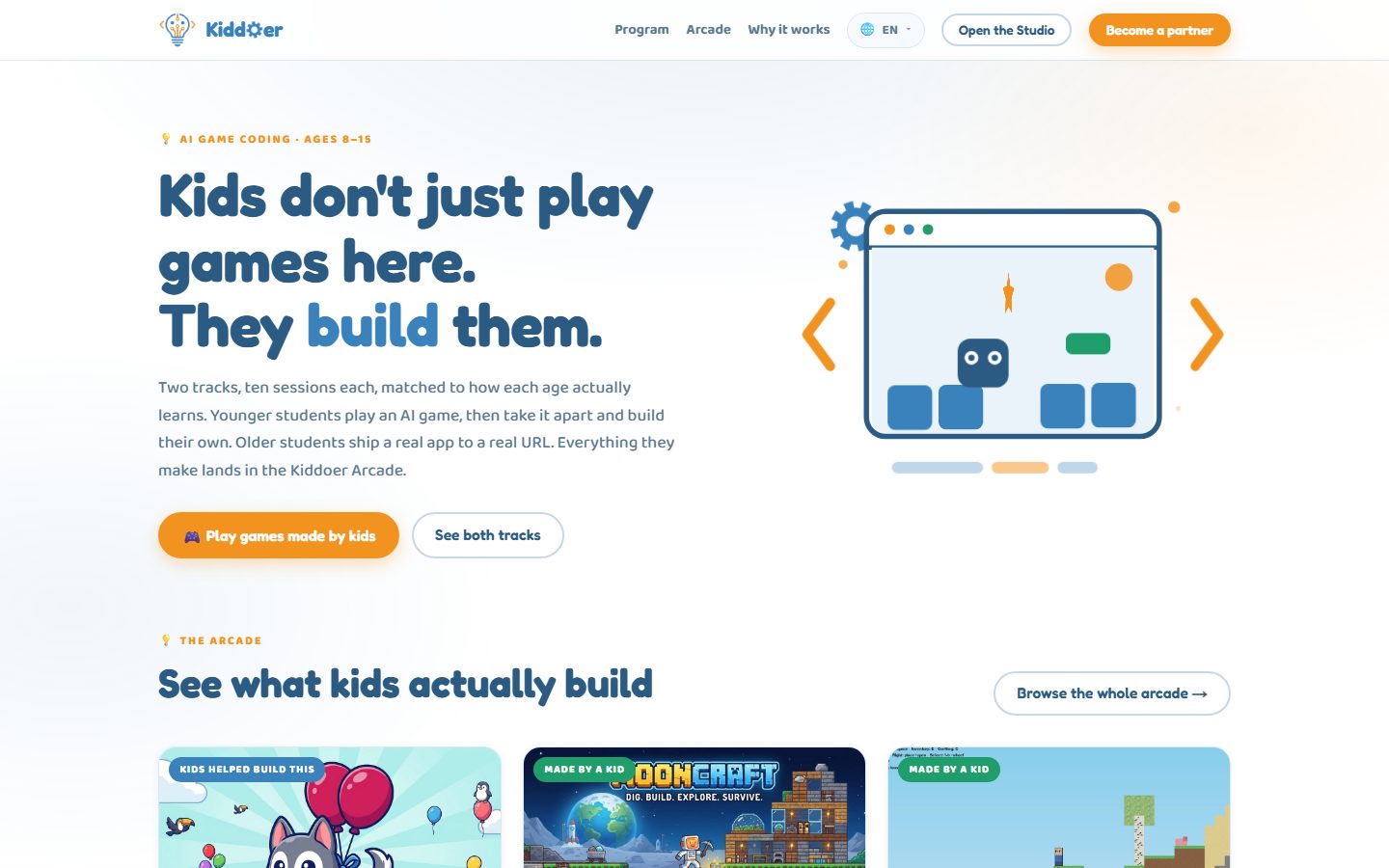
Kiddoer home page: kids don't just play games here, they build them

The Kiddoer home page and its two learning tracks.
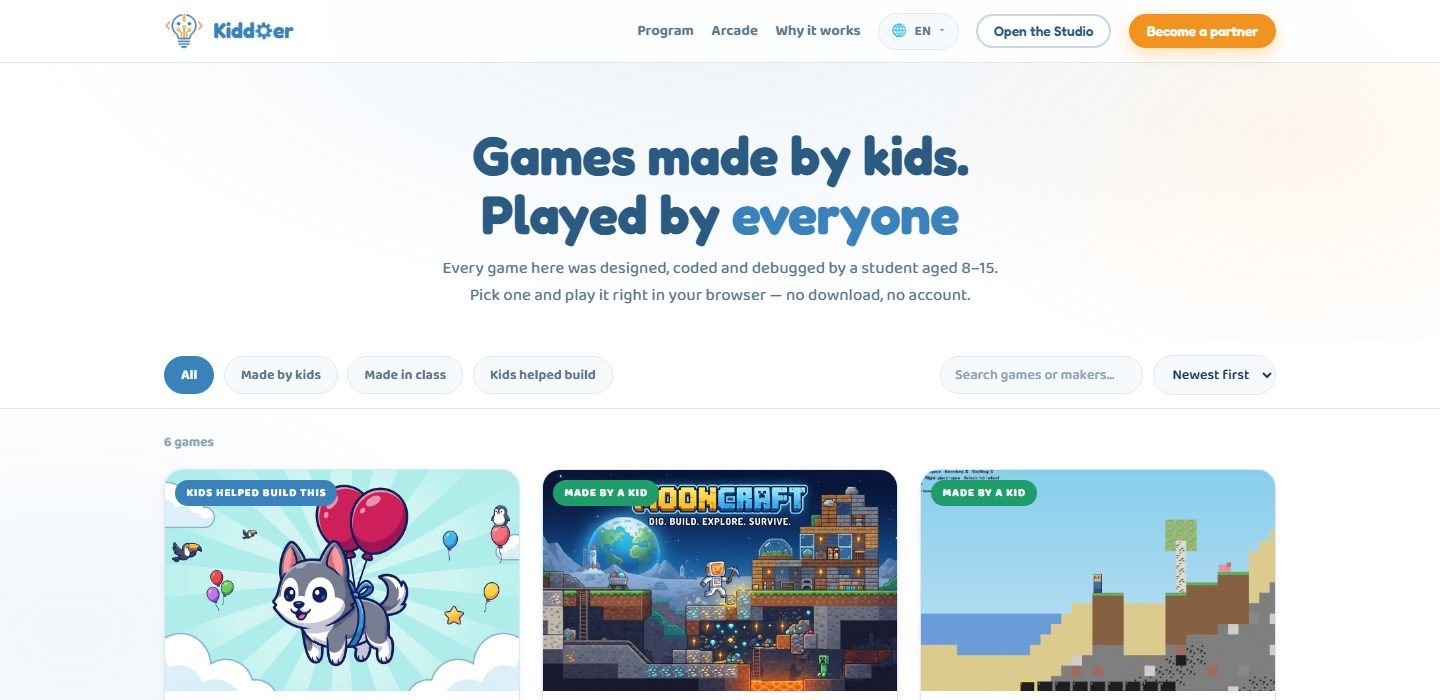
The Kiddoer Arcade listing games made by kids

The Arcade: games made by kids, free to play in a browser.
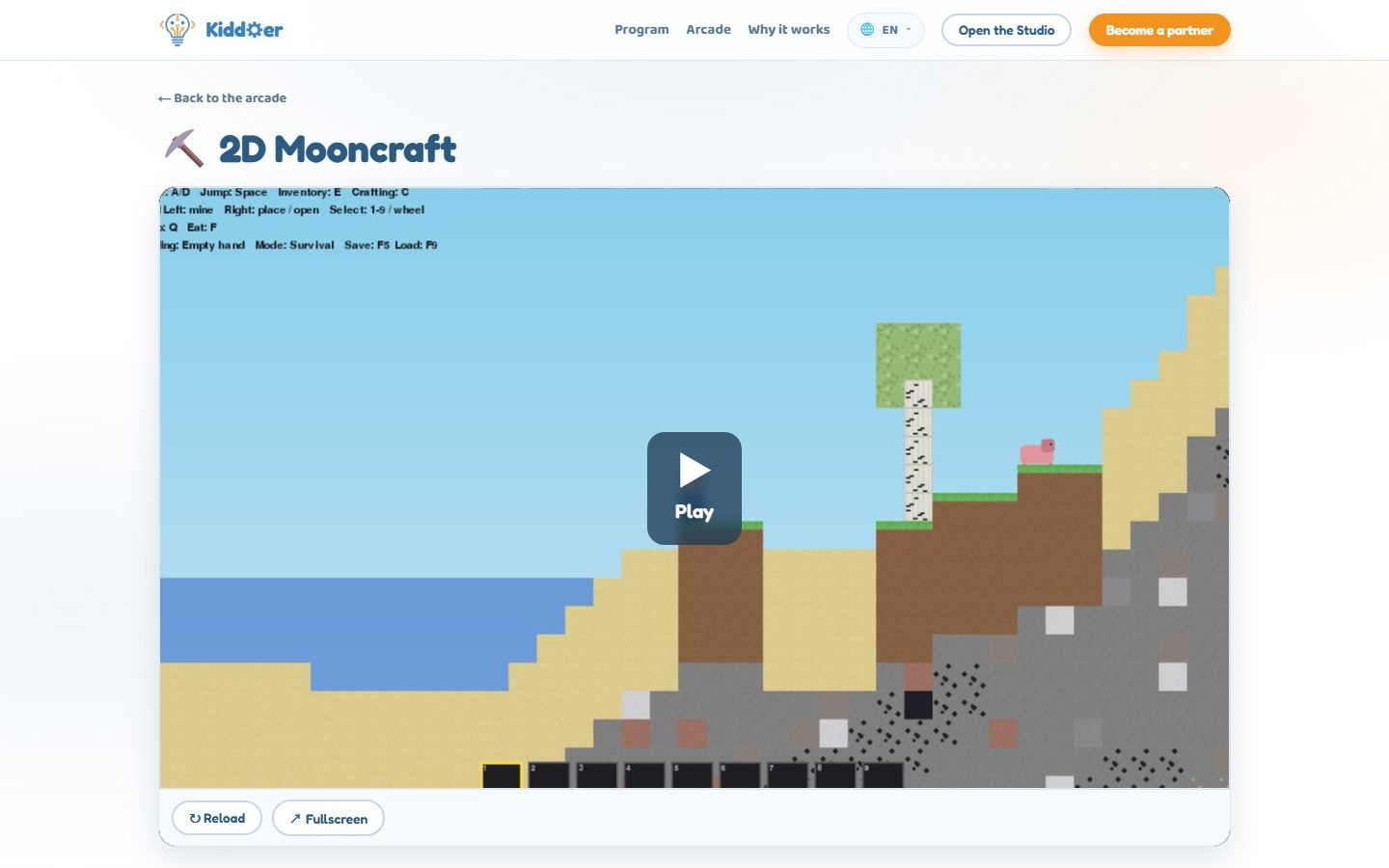
A student-made sandbox game playing inside the Kiddoer Arcade

A sandbox game built by an 11-year-old student. You can play it right on the page.

  • AI pair programmer

    In the Kiddoer Studio, a student says what they want to change, in their own words. Then they watch the AI rewrite the game. It shows its progress as it writes. The game reloads in a few seconds.

  • Start from a working game

    Students begin with a game that already runs. So the first lesson is about changing something real. They don't have to stare at an empty file.

  • Two tracks by age

    The Explorer Track is for ages 8 to 10. The Script Track is for ages 11 to 15. Each has ten sessions. No coding experience is needed.

  • The Kiddoer Arcade

    A public gallery of games made by kids. Anyone can play them in any browser. You can filter the games: made by kids, made in class, or built with kids' help.

  • Publish and remix

    Students publish their games to their class shelf. A classmate can copy a game into a new project of their own. The new project gives credit to the original maker.

  • Partner programme

    Schools and tutors can teach Kiddoer under their own name. They use the Kiddoer curriculum (course plan), projects and AI tool.

  • Real code, real link

    Kids write real JavaScript, a common coding language. They don't use drag-and-drop blocks. The result is a web page. It runs anywhere and can be sent to anyone.

  • The AI cannot break their game

    Every AI edit is checked before it is saved. If a change would break the game, it is thrown away. The student sees a short explanation. Their working version stays as it was.

  • Grounded in learning research

    Each idea we use is tied to published studies. The ideas are: learning through projects, 'move first, type later' for younger kids, AI as a coding partner, and real audiences instead of tests.

  • A safe, closed classroom

    Students sign in with a picture code from their teacher. There is no public sign-up. Errors come with an 'Ask AI' button, so kids don't get stuck.

Ready to Get Started?

Contact us to discuss your specific needs and learn how we can help transform your business.