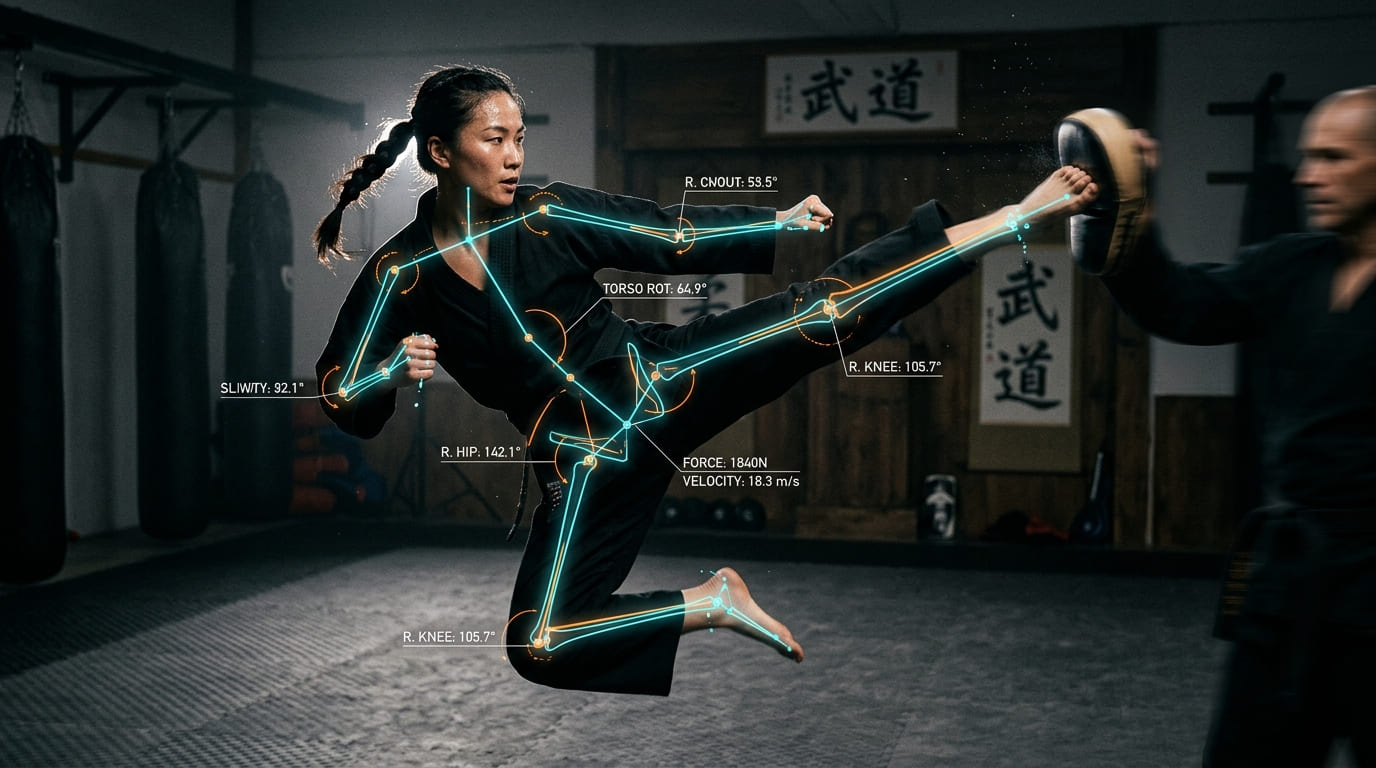
Pose Detection

Automate
Predict
Real-Time AI-Based Human Pose Analysis

Body and head tracking with a normal webcam. It runs on the device itself, for games, exhibits and accessible controls.

Pose detection finds the key points of a body or face in each camera frame. Key points are fixed spots the computer can find again in every frame. We use them to turn movement into input: a turn of the head, a raised arm, running on the spot. It works with an ordinary webcam. It runs in the browser or app on the device itself. So no video has to leave the machine.

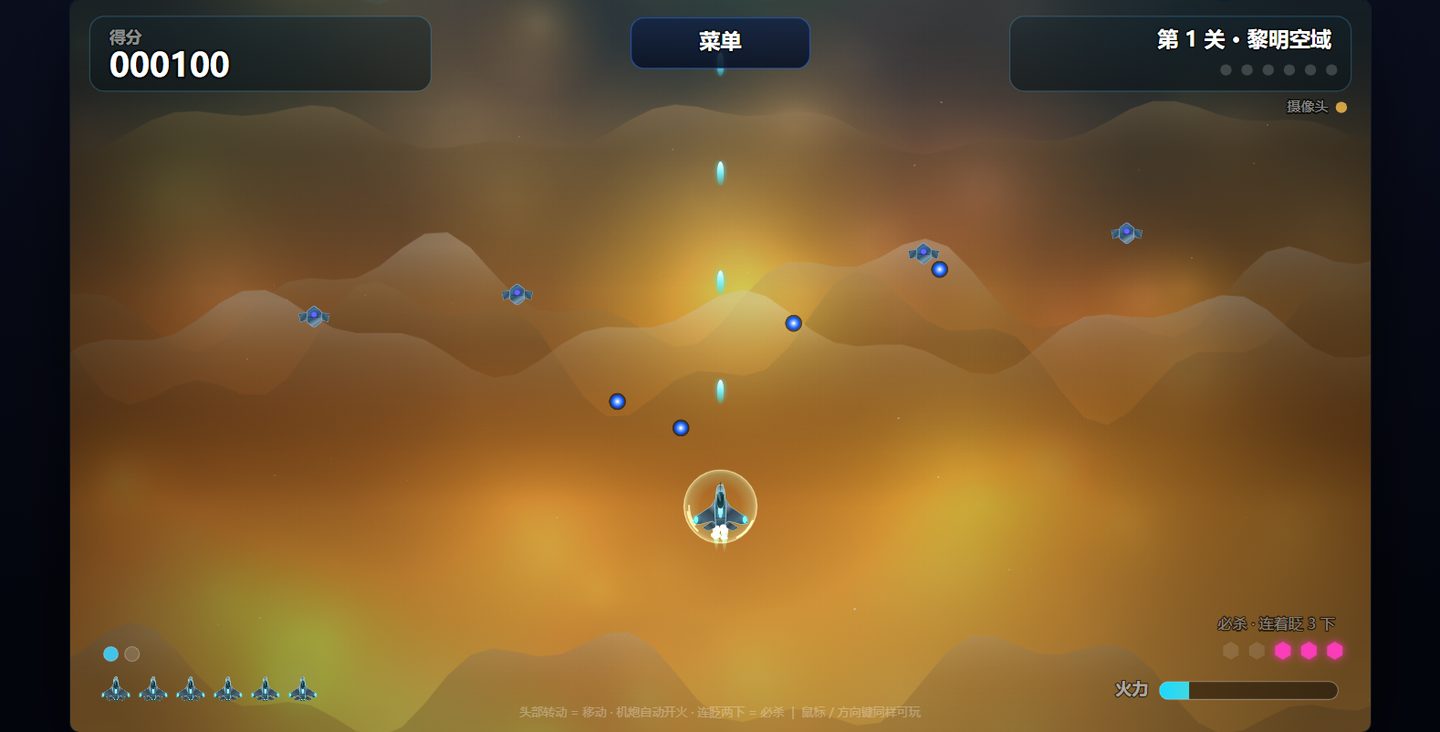
We have built it into several of our own projects. Jet-eye is a shooting game you control with head movement and blinks. It was made for people who cannot use their hands. Our interactive kiosk is a stand-alone screen in a public place. It has a body-test mode that draws only the skeleton. This mode scores a standing pose or a horse-stance pose (a martial-arts squat). In another kiosk mode, flapping your arms makes migrating geese fly faster. A head-tracking demo shifts a 3D scene as you move your head. This makes the screen look like a window. A running prototype (an early test version) reads your running cadence, or step rate, from a webcam. It uses that to set the playback speed of a course video.

The hard part is usually not the model. It is the details around it. The points jitter (shake slightly) even when a person stands still. Cameras can be slow to start. Settings need to fit each user. Our projects record these lessons and the fixes.

Gallery
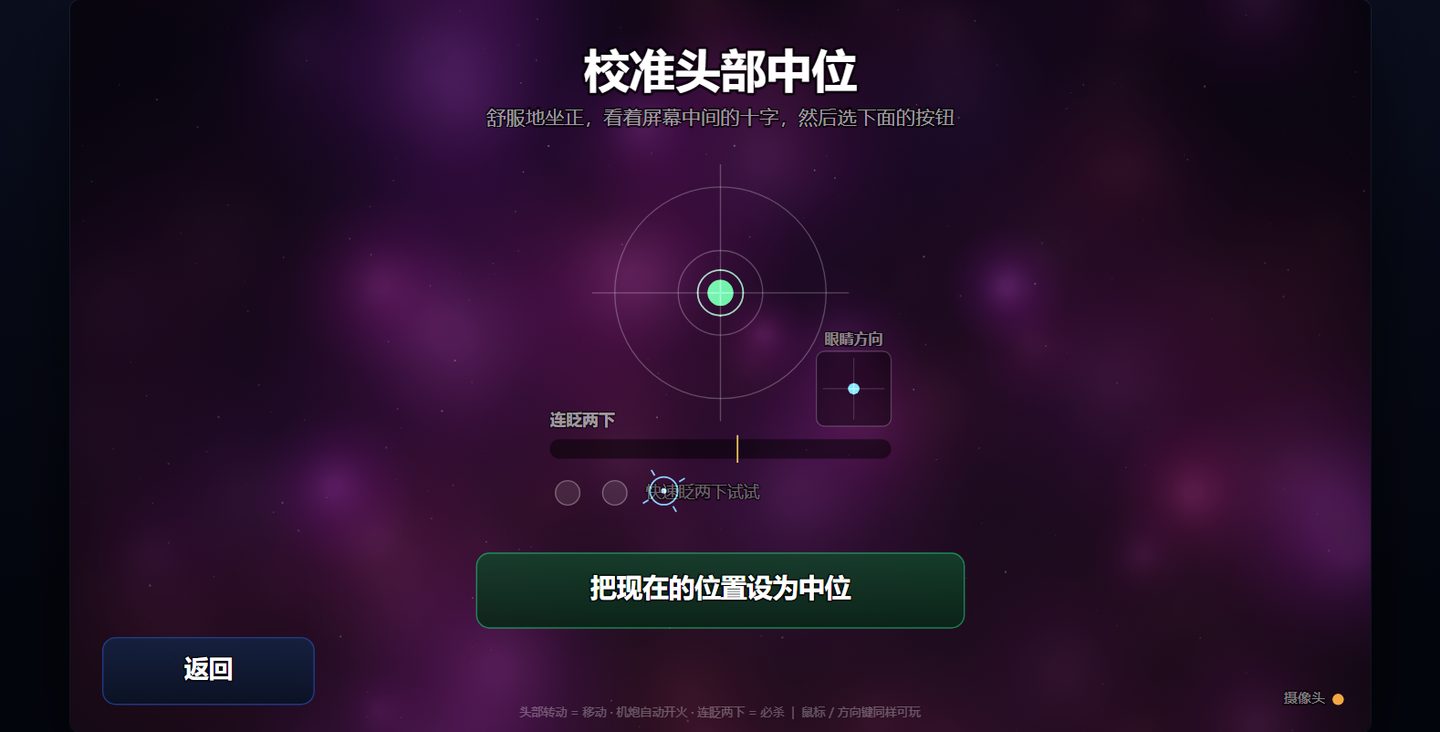
Jet-eye head calibration screen: set the neutral head position and test the blink switch

Jet-eye level 1 in play: the fighter plane follows head movement and fires automatically

  • Body and head tracking

    Track body key points or the direction of the head from a normal webcam. It uses MediaPipe models, which are ready-made tracking models.

  • Runs on the device

    Processing happens in the browser or app on the device. Our kiosk version works offline.

  • Gestures as controls

    Turn head turns, blinks, arm movements or running steps into actions in a game or app.

  • Skeleton-only display

    Show the tracked skeleton instead of the camera image. So people are not shown on screen.

  • Per-user calibration

    Set a neutral (resting) position for each person. Adjust the sensitivity for each person too.

  • Mouse and keyboard fallback

    If the camera is not available, people can still use it another way.

  • Built into working projects

    A head-controlled game, a kiosk with several body-tracking modes and a parallax demo all run on this work. In the parallax demo, the scene shifts as your viewpoint moves.

  • Designed for accessibility

    Jet-eye was designed from the start for people who cannot use their hands. Its blink and dwell controls can be adjusted. Dwell means you select something by staying on it for a moment.

  • Privacy by design

    Our kiosk in public places does not store face images. It does not identify people. Its game mode does not show the live camera image.

  • Tested beyond screenshots

    For Jet-eye, we run automated tests that play through every level. Some bugs (mistakes in the code) never show up in a screenshot.

Ready to Get Started?

Contact us to discuss your specific needs and learn how we can help transform your business.